Templates
Start with an operating model, not a blank app.
Templates give coding agents a concrete target: object models, views, permissions, workflows, actions, and AI tools that can be copied, reviewed, adapted, and run in ObjectOS.
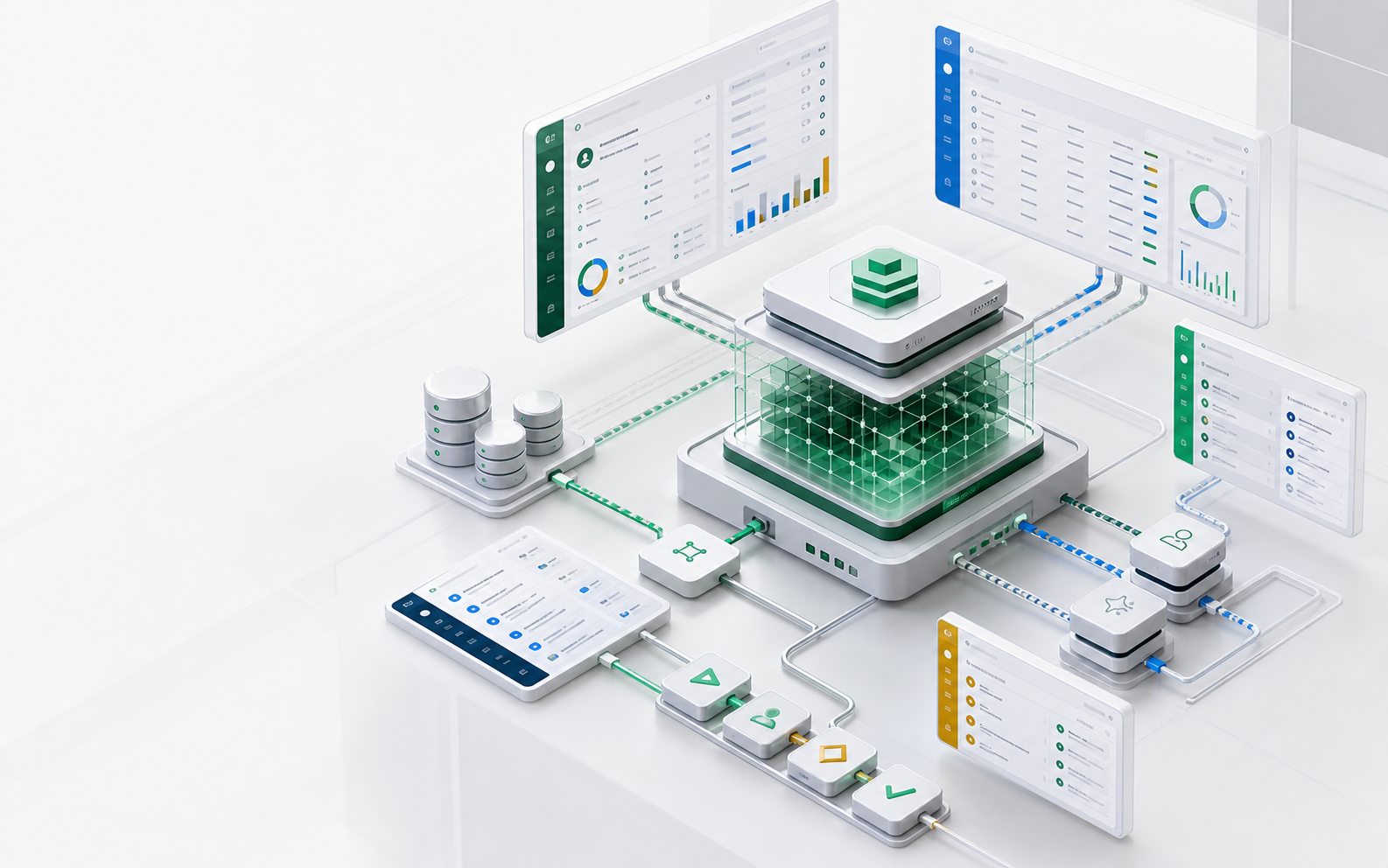
- 6 starters
- Support, contracts, procurement, CRM, manufacturing, employee service
- One layer
- Objects, UI, workflows, APIs, and AI tools from the same definition
- Reviewable
- Each template changes as metadata diffs
Template anatomy
Every template should be readable as a business system
A useful AI app template is more than screens. It names the objects, authorities, workflow transitions, approvals, reports, and agent tools that make the business process governable.
- Object model: records, relationships, states, and validations.
- Authority model: who can read, write, approve, export, or delegate.
- Workflow model: transitions, SLA timers, escalation rules, and approvals.
- Agent tools: the safe reads and actions exposed through MCP or in-app AI.
Catalog
Starter applications for common enterprise workflows
These are reference templates, not locked products. Your agent can fork one, change the metadata, and open a diff for review.
Helpdesk
Tickets, customers, SLAs, queues, summaries, suggested replies, knowledge retrieval, escalation approvals.
Contracts
Counterparties, obligations, renewals, clause extraction, approval stages, redlines, audit trail.
Procurement
Suppliers, requests, POs, receiving, three-way match, budget checks, exception approval.
CRM case management
Accounts, opportunities, cases, activities, ownership, risk signals, user-scoped AI summaries.
Manufacturing service
Assets, work orders, parts, maintenance history, downtime reports, field-service recommendations.
Employee service
Requests, policies, approvals, routing, employee data boundaries, internal knowledge retrieval.
Why templates matter
Templates reduce both generation time and review risk
The safest path for AI-built software is not a blank prompt. It is a known operating model where the reviewer can recognize the objects and rules.
Agents inherit naming patterns
Object, field, workflow, and permission names stay consistent, making follow-up changes easier for both humans and models.
Reviewers get a familiar baseline
A template gives IT and business owners a known diff to compare against instead of a novel codebase.
Teams keep ownership
Templates live as source metadata in your repo and can be adapted without waiting for a vendor roadmap.
Decision surface
What changes, who reviews it, what runs
| Template | Objects included | Agent-safe actions |
|---|---|---|
| Helpdesk | Ticket, Customer, SLA, Knowledge Article | Summarize, classify, suggest reply, escalate for approval |
| Contracts | Contract, Counterparty, Clause, Obligation | Extract metadata, flag risk, draft renewal task |
| Procurement | Supplier, Purchase Request, PO, Receipt | Check policy, prepare approval, match exception |
| CRM | Account, Contact, Opportunity, Case | Summarize account, identify risk, propose next step |
Review checklist
Template review checklist
- Can a reviewer understand the object model in five minutes?
- Are high-risk actions separated from suggestions?
- Are default permissions conservative?
- Are audit events named clearly?
- Can the template run with sample data before touching production?
FAQ
Questions this page should answer
Are templates production systems?
They are starting points. A production deployment should review object names, permissions, workflows, model routing, sample data, integration boundaries, and audit policy.
Can my agent modify a template?
Yes. That is the point: the template gives the agent a strong target format and gives the reviewer a small metadata diff.
Next pages