Templates
Start with an operating model, not a blank app.
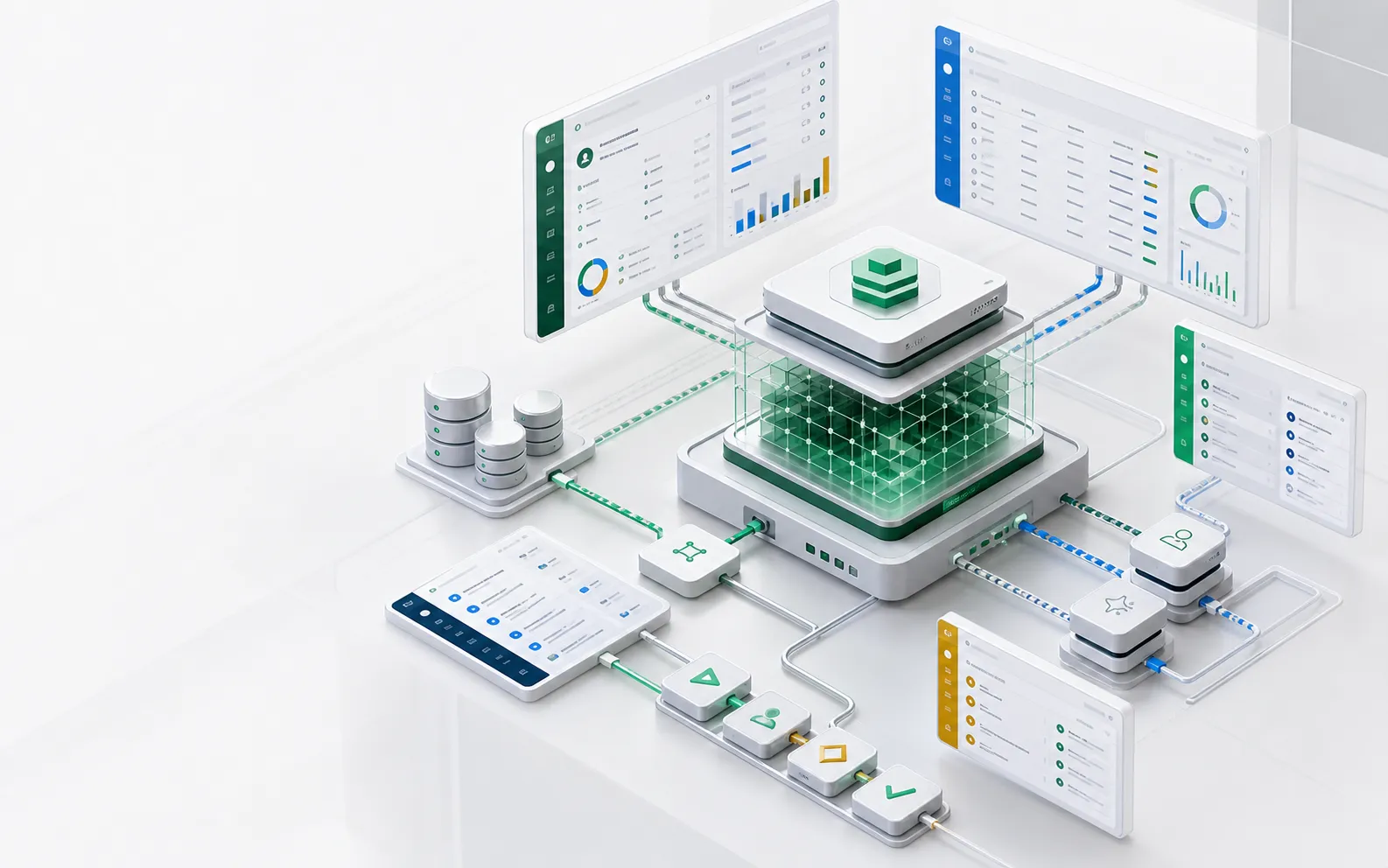
Templates give coding agents a concrete target: object models, views, permissions, workflows, actions, and AI tools that can be copied, reviewed, adapted, and run in ObjectOS.
- 8 templates
- todo, contracts, procurement, compliance, helpdesk, content, hr, project
- One layer
- Objects, UI, workflows, APIs, and AI tools from the same definition
- Reviewable
- Each template changes as metadata diffs
Template anatomy
Every template should be readable as a business system
A useful AI app template is more than screens. It names the objects, authorities, workflow transitions, approvals, reports, and agent tools that make the business process governable.
- Object model: records, relationships, states, and validations.
- Authority model: who can read, write, approve, export, or delegate.
- Workflow model: transitions, SLA timers, escalation rules, and approvals.
- Agent tools: the safe reads and actions exposed through MCP or in-app AI.
Catalog
What ships in the default catalog
Eight forkable starters, each a real, shaped app: install it from the Marketplace in one click, or clone it with the CLI to get a TypeScript codebase to extend. Apache-2.0 — fork without asking. Your agent can fork one, change the metadata, and open a diff for review.
todo
Forkable starter for any “things to do, grouped somehow” tool.
contracts
Forkable starter for approvals + document AI.
procurement
Forkable starter for approval chains + receiving.
compliance
Forkable starter for evidence collection workflows.
helpdesk
Forkable starter for tickets + SLAs + AI co-pilot.
content
Forkable starter for lifecycle + metrics.
hr
Forkable starter for people-centric apps.
project
Forkable starter for PM tools.
Why templates matter
Templates reduce both generation time and review risk
The safest path for AI-built software is not a blank prompt. It is a known operating model where the reviewer can recognize the objects and rules.
Agents inherit naming patterns
Object, field, workflow, and permission names stay consistent, making follow-up changes easier for both humans and models.
Reviewers get a familiar baseline
A template gives IT and business owners a known diff to compare against instead of a novel codebase.
Teams keep ownership
Templates live as source metadata in your repo and can be adapted without waiting for a vendor roadmap.
Decision surface
What changes, who reviews it, what runs
| Path | What you do | What you get |
|---|---|---|
| Install from the Marketplace | Open Marketplace, search for the template, click Install, refresh | The app in your nav — records, views, flows, permissions, all live |
| Fork as a codebase | pnpm dlx @objectstack/cli create my-app --template todo | A self-contained pnpm package: *.object.ts, *.view.ts, *.flow.ts files you can edit, lint, test, commit |
| Publish your fork | pnpm build, then os package publish | Your marketplace — customers installing your fork get your brand and your modifications |
Review checklist
Template review checklist
- Can a reviewer understand the object model in five minutes?
- Are high-risk actions separated from suggestions?
- Are default permissions conservative?
- Are audit events named clearly?
- Can the template run with sample data before touching production?
FAQ
Frequently asked questions
Are templates production systems?
They are starting points. A production deployment should review object names, permissions, workflows, model routing, sample data, integration boundaries, and audit policy.
Can my agent modify a template?
Yes. That is the point: the template gives the agent a strong target format and gives the reviewer a small metadata diff.
Next pages