Process automation
Processes that run themselves — and wait for people when they must.
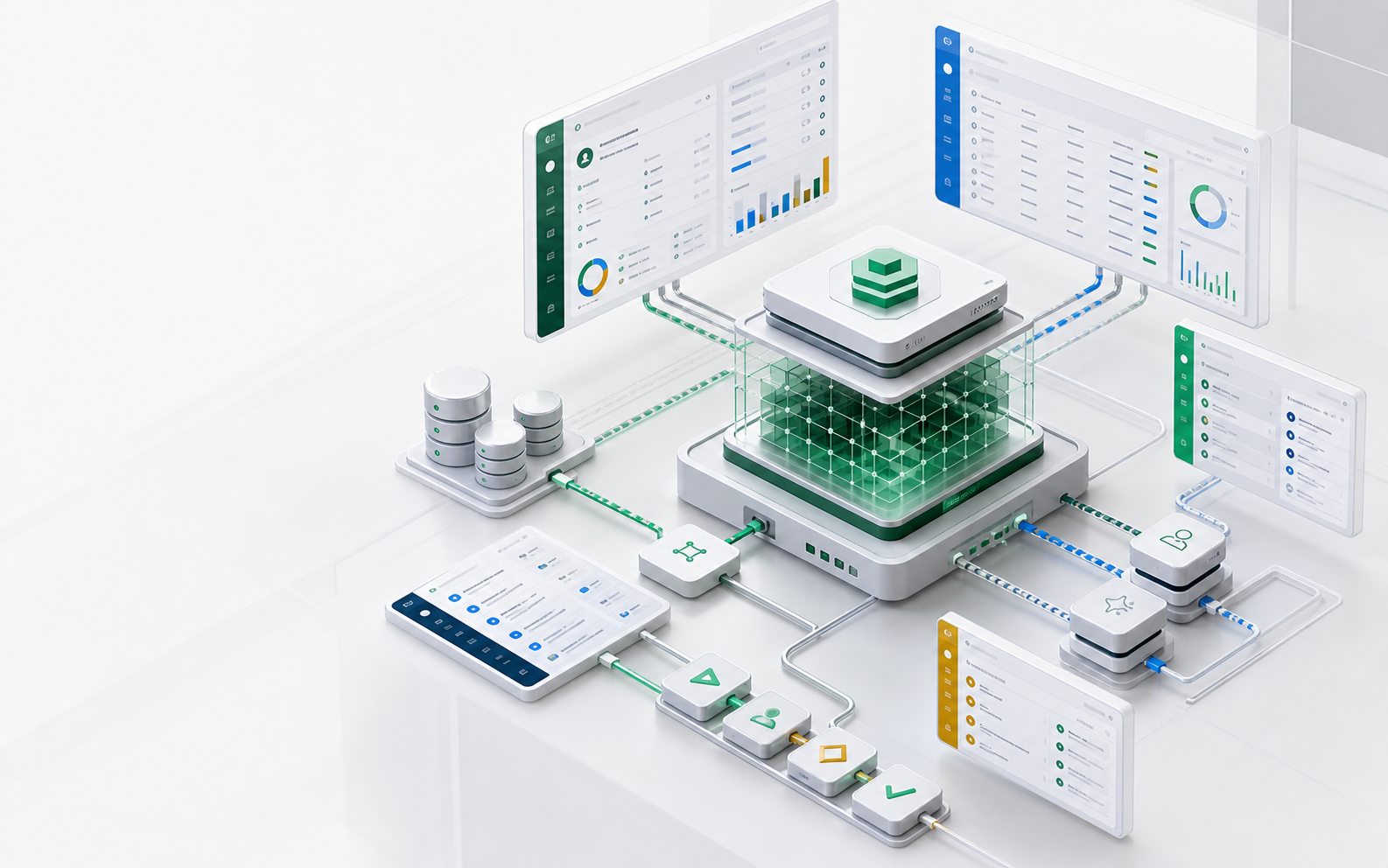
Take one real process: an order books above ¥100k, finance must sign off, the ERP needs the result, and the owner wants to know. That is a branch, a human wait, an outbound call, and a notification — exactly the shape ObjectOS flows are built for: durable, multi-step, written as metadata by your agent or drawn on a canvas by your team.
- 16+
- Typed nodes on the visual canvas — decision, wait, approval, script, subflow
- Durable
- Flows pause for people and resume without losing state
- Outbox
- Webhook delivery backed by a durable, retrying queue
A process you can read
The escalation policy is the diff.
This is a complete, running policy: when a case breaches SLA, raise its priority and tell the owner in their inbox. Your agent writes it as a few readable lines — and the same flow opens as a diagram in the visual designer.
import { defineFlow } from '@objectstack/spec';

export const EscalateBreachedCases = defineFlow({
  name: 'support_escalate_breached',
  label: 'Escalate SLA Breaches',
  type: 'autolaunched',
  nodes: [
    {
      id: 'start',
      type: 'start',
      label: 'On SLA Breach',
      config: {
        objectName: 'support_case',
        triggerType: 'record-after-update',
        condition: 'sla_breached == true && previous.sla_breached != true',
      },
    },
    {
      id: 'raise',
      type: 'update_record',
      label: 'Raise Priority',
      config: {
        objectName: 'support_case',
        filter: { id: '{record.id}' },
        fields: { priority: 'urgent' },
      },
    },
    {
      id: 'notify',
      type: 'notify',
      label: 'Notify Case Owner',
      config: {
        topic: 'case.sla_breach',
        recipients: ['{record.owner}'],
        channels: ['inbox'],
        severity: 'warning',
        title: 'SLA breached: {record.subject}',
        actionUrl: '/support_case/{record.id}',
      },
    },
    { id: 'end', type: 'end', label: 'End' },
  ],
  edges: [
    { id: 'e1', source: 'start', target: 'raise' },
    { id: 'e2', source: 'raise', target: 'notify' },
    { id: 'e3', source: 'notify', target: 'end' },
  ],
});
Build the process
Follow the ¥100k order through the flow
Each step below is a typed node in the same definition — the parts that usually turn into unmaintainable worker code stay declarative and reviewable.
Branch on business conditions
A decision node routes the order: under ¥100k goes straight to fulfillment; above it takes the approval path. Conditions are expressions on real fields, not code in a worker.
Wait for finance — durably
The approval node parks the flow. If sign-off takes two weeks, state persists through every deploy and restart, then resumes at exactly this node.
Update, notify, call out
On approval: an update_record node flips the status, a notify node reaches the owner’s inbox, and an http_request node posts the order to the ERP.
Handle the unhappy path
The ERP timing out is part of the definition — retries and error edges are drawn in the flow, so the failure path gets reviewed like everything else.
Put people inside the process
Screen-flow nodes collect input mid-process — a rejection reason, a substitute vendor — with the pending step visible in the assignee’s queue.
The flow designer
Drawn on a canvas, run from a queue, debugged from history
Every flow opens in a visual designer in the open-source ObjectStack console — the same definition your agent writes, as a diagram your operations team can own.
A palette of 16+ typed nodes
Drag start, decision, wait, approval, create/update record, http_request, script, loop, parallel, and subflow nodes onto the canvas; drop a node onto an edge to insert it mid-path.
Branches you can label
Edges carry conditions and labels — approve, reject, over-threshold — and validation flags broken paths as clickable badges before anything runs.
Simulate before you ship
Step through the flow on the canvas: visited nodes and traversed edges highlight, so you see the path a record would take without touching data.
Test runs & run history
Fire a test with typed inputs, then read the run table — status badges, duration, per-run output — and open any run to see exactly what each step did.
Schedules with a preview
Cron expressions show their next five fire times as you type, so “every last Friday” is verified before the job ever runs.
Start it, schedule it, connect it
Every way a process begins — and leaves the building
Triggers, schedules, and delivery are runtime services, so none of this needs infrastructure work per process.
Record-change triggers
React to creates, updates, and deletes with conditions — when a discount crosses 15%, when a case reopens, when a stage changes hands.
Scheduled runs
Cron and interval schedules for recurring work: nightly rollups, renewal reminders, SLA sweeps.
API triggers
Launch a flow from an external system or an AI tool call, with inputs validated against the definition.
Background jobs & queues
Long-running work moves to a durable queue with retries, keeping requests fast and the process reliable.
Webhook delivery
Outbound calls go through a durable outbox with retries and delivery records — integrations stop silently dropping events.
Decision surface
What changes, who reviews it, what runs
| Business need | AI writes | Runtime supplies |
|---|---|---|
| Orders over ¥100k wait for finance | A decision node and an approval node | Durable waiting, queues, locking, resumption |
| Escalate overdue cases nightly | A scheduled flow with conditions | Execution, retries, and run history |
| Sync approved orders to the ERP | An http_request node behind the approval | Durable outbox, retries, delivery records |
| Ops tunes the flow without a deploy | Nothing — the canvas edits the same metadata | The visual designer, validation, simulation |
Review checklist
An automation review should confirm
- Every flow has a named owner and a readable purpose.
- Approval steps declare an SLA — who it escalates to, and what happens on breach.
- Timer waits pair with a companion sweep or approval gate; a wait node will not wake early on a deadline.
- External calls go through the webhook outbox, not ad-hoc fetches.
- Failure paths are drawn in the flow, not implied.
- Flow changes arrive as diffs with an approval trail.
FAQ
Questions this page should answer
What happens to running flows on deploy or restart?
Flow state is durable. A process waiting on a person or a timer resumes exactly where it paused — restarts and deploys do not lose or duplicate work.
Is the visual designer in the open-source ObjectStack?
Yes. The flow canvas, node palette, validation, simulation, run history, and schedule previews ship in the open-source ObjectStack console — alongside flows, all three trigger types, background queues, and webhook delivery.
Next pages