App interfaces
Screens nobody hand-builds. Views everyone trusts.
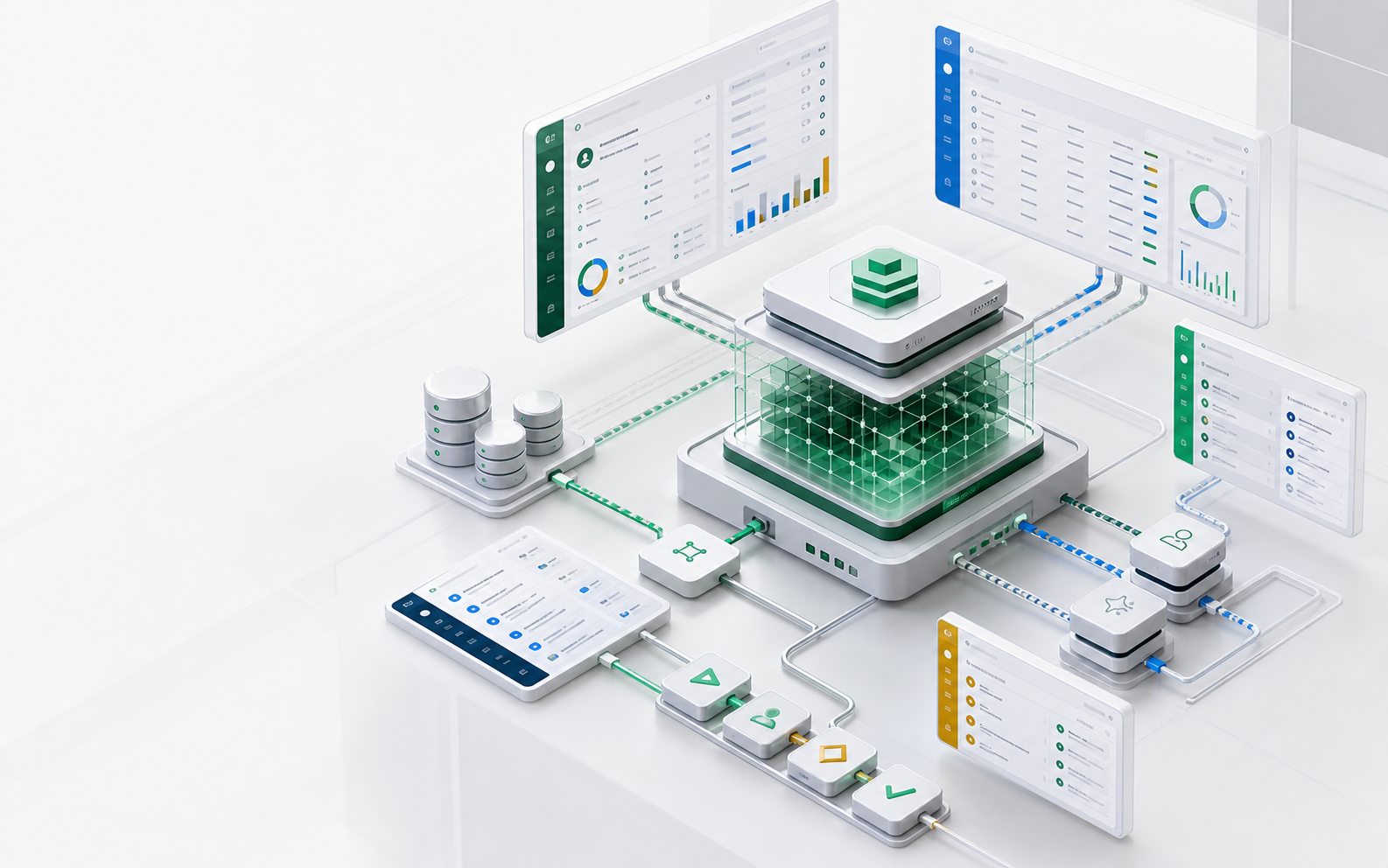
Take a support workbench: reps work a grid of open cases, the team lead drags a kanban grouped by status, and everyone checks the due-date calendar. In ObjectOS that is one view definition — rendered per user, live as records change, and adjustable in the view designer without touching a file.
- Zero
- Hand-built frontend for list, form, and detail surfaces
- Per user
- Rows, fields, and actions filtered by permissions
- Live
- Screens update in real time as records change
A screen as metadata
The view is part of the reviewable definition.
This is that workbench: a grid with columns, a kanban grouped by status, a calendar on due dates, and a saved “Open Cases” list — one definition. When an agent adds a field, the affected screens are part of the same small diff, not a frontend ticket.
import { defineView } from '@objectstack/spec';

const data = { provider: 'object' as const, object: 'support_case' };

export const CaseViews = defineView({
  list: {
    label: 'All Cases',
    type: 'grid',
    data,
    columns: [
      { field: 'subject' },
      { field: 'customer' },
      { field: 'priority' },
      { field: 'status' },
      { field: 'due_date' },
    ],
    appearance: {
      allowedVisualizations: ['grid', 'kanban', 'calendar'],
    },
    kanban: { groupByField: 'status', columns: ['subject', 'customer', 'priority'] },
    calendar: { startDateField: 'due_date', titleField: 'subject', colorField: 'status' },
  },
  listViews: {
    open: {
      label: 'Open Cases',
      type: 'grid',
      data,
      columns: [{ field: 'subject' }, { field: 'customer' }, { field: 'priority' }],
      filter: [{ field: 'status', operator: 'equals', value: 'open' }],
    },
  },
});
Rendered from metadata
The workbench, surface by surface
Typed fields carry their own widgets and formatting, so generated screens look and behave consistently without a design-system project.
Views & lists
The same cases render as a grid, a kanban, or a calendar — with sorting, saved filters like “Open Cases”, and bulk actions — declared, not built.
Forms & detail pages
The case form follows the field types and validations: priority renders as its colored picklist, required means required. The UI can never drift from the rules.
Dashboards
Case volume and SLA counters sit next to the queue they summarize, sharing the same definitions and permissions.
Navigation & apps
Support gets a focused workspace — its objects, views, and dashboards grouped into one app — instead of one giant admin.
Multi-language UI
Labels, formats, and translations resolve per locale, so one definition serves every region.
The view designer
Adjust the screen while looking at the screen
Views open in a live-preview designer in the open-source ObjectStack console — the preview is the real renderer with the draft injected, so what you see is what ships.
Live preview while you edit
Change a column, watch the grid change — the designer renders list, kanban, calendar, and form views with real data as you work.
Column & filter inspectors
Add, hide, and reorder columns from an inspector; build nested and/or filters visually — “open, urgent, unassigned” without writing a query.
Record pages from blocks
Compose detail pages from blocks — sections, fields, buttons — each with visibility rules, dragged into place on a canvas.
Responsive by design
The page designer previews mobile, tablet, and desktop breakpoints with a component tree and undo/redo — layout decisions stay visible.
Permission-aware by construction
One screen definition, a different view for every user
Screens are not personalized by hand — they are shaped by the permission model. That is what keeps a generated UI trustworthy.
Rows they can see
The rep’s grid shows their team’s cases; the auditor’s shows everything — same screen definition, row rules applied inside the query.
Fields they can read
Masked and hidden fields stay masked in tables, forms, exports, and detail views — enforced by the runtime, not the frontend.
Actions they can take
The escalate button appears only when the user’s permissions and the record’s state allow it — gated server-side, not just hidden.
Real-time collaboration
Record changes, comments, and activity feeds stream to open screens, so the team works from the same live picture.
Decision surface
What changes, who reviews it, what runs
| Business need | AI writes | Runtime supplies |
|---|---|---|
| A workbench for the support team | Views, forms, and an app definition | Rendered screens, navigation, saved filters |
| The lead wants a kanban, reps want a grid | One view with two visualizations | Both, rendered from the same definition |
| Managers see more than reps | Row and field rules on the object | The same screen, shaped per user |
| Ops tweaks columns without a deploy | Nothing — the designer edits the same metadata | Live preview, inspectors, drafts |
Review checklist
A UI review should confirm
- Screens are declared in metadata, not forked into custom code.
- Every list and dashboard respects row-level rules.
- Masked fields stay masked in exports and detail views.
- Actions are permission-gated, not just hidden.
- New fields reach screens through the same reviewed diff.
FAQ
Questions this page should answer
Can we still build custom screens?
Yes. The generated surfaces cover the repetitive CRUD majority, and the same APIs and permission model back any custom frontend you add — custom screens never bypass governance.
Is the view designer in the open-source ObjectStack?
Yes. The live-preview view designer, column and filter inspectors, the block-based page canvas, and the responsive page designer ship in the open-source ObjectStack console — alongside metadata-rendered views, forms, dashboards, navigation, localization, and real-time updates.
Next pages