AI Ticket Hub: Build a Support System That Actually Reads the Customer's Problem
A support system should do more than queue issues. With metadata for cases, messages, SLA, knowledge, permissions, and agent tools, AI can understand customer problems and move work forward safely.
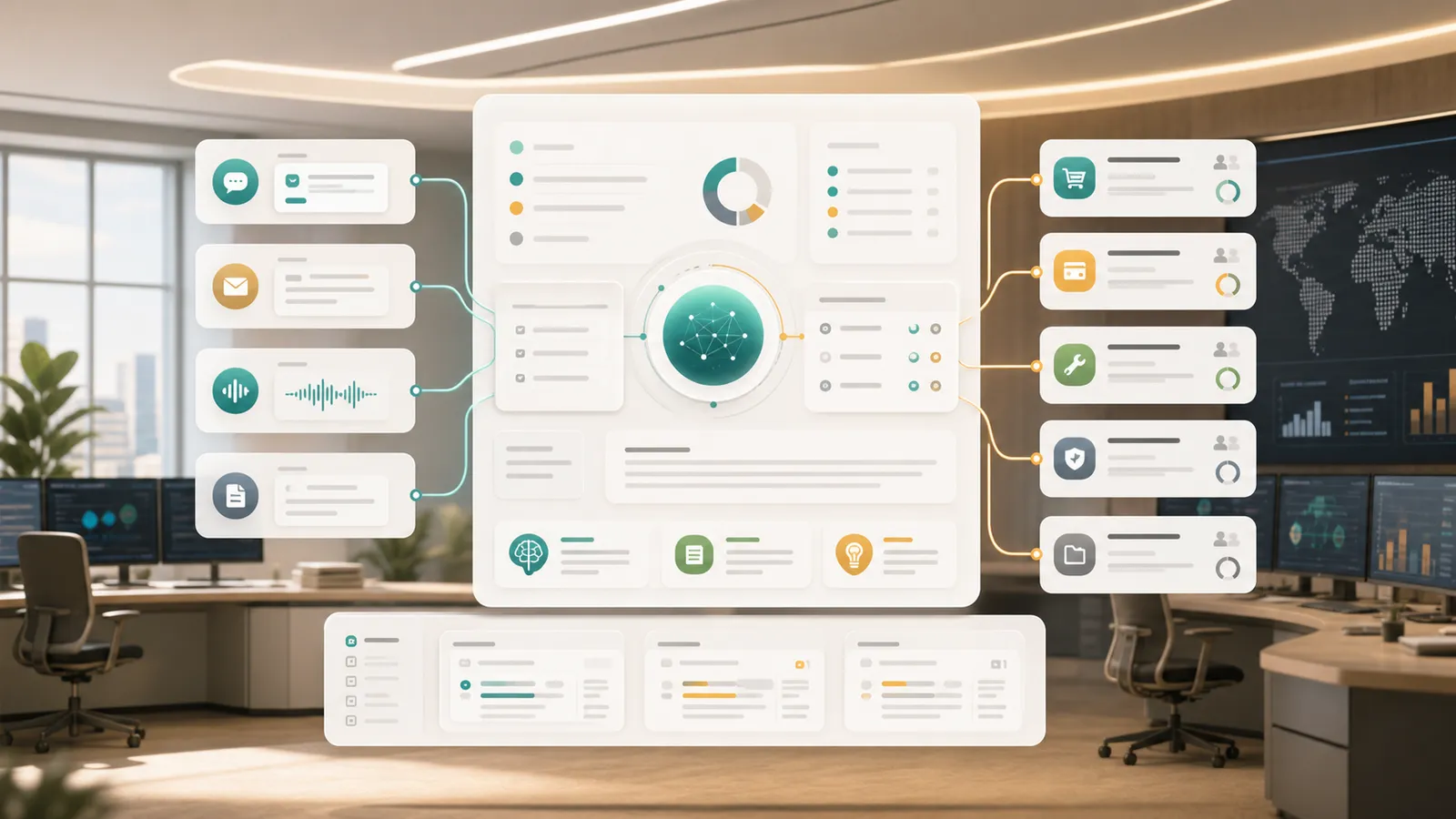
The short version: An AI ticket hub isn’t a queue with a chatbot — it’s objects, queues, SLAs, a knowledge base, and agent tools as metadata, so AI can actually read the customer’s problem and act on it, all under permissions.
Most ticket systems store work, but they do not really understand the customer problem. A customer sends a long email, a screenshot, or a frustrated chat message; the system creates a record and waits for a person to read, classify, search, reply, and escalate.
An AI-native ticket hub starts differently. It treats natural language as both the way the application is built and the way people use it. The builder translates a business request into objects, fields, relationships, views, permissions, workflows, and governed agent tools. The application then lets support agents ask questions, update records, generate drafts, and trigger actions in the same language they use at work.
You can start with a request like this:
Build an AI ticket hub. Issues arrive from email, chat, and a customer portal. The system should classify each issue, detect urgency and sentiment, match knowledge articles, draft replies, enforce enterprise SLA, and require human approval before customer-facing responses are sent.
The goal is not a quick generated screen. The goal is a durable business application that can evolve as the team learns.
Why This Scenario Is AI-Native
This is not a traditional application with an AI button added later. Customer support is a setting where the work itself contains language, judgment, context, and repeated decisions.
In this scenario, AI matters because:
- inputs are messy and conversational, not clean form fields;
- priority depends on customer tier, history, contracts, and SLA;
- many actions can be assisted by AI but still need confirmation;
That combination makes the application a good fit for metadata-driven building. The system needs to understand business objects before it can safely generate pages, automation, and agent actions.
The Metadata the Builder Should Generate
The first output should not be a page mockup. It should be the business model that makes the app runnable. For this AI ticket hub, the core objects are:
| Object | Purpose |
|---|---|
customer | A governed business object used by UI, API, workflows, permissions, and AI tools. |
case | A governed business object used by UI, API, workflows, permissions, and AI tools. |
case_message | A governed business object used by UI, API, workflows, permissions, and AI tools. |
knowledge_article | A governed business object used by UI, API, workflows, permissions, and AI tools. |
sla_policy | A governed business object used by UI, API, workflows, permissions, and AI tools. |
case_escalation | A governed business object used by UI, API, workflows, permissions, and AI tools. |
These objects are not just database tables. They define what the AI is allowed to read, what it may suggest, what it can change after confirmation, and what must go through approval. Views, filters, forms, dashboards, and agent tools all come from the same metadata.
Natural Language Keeps Shaping the App
The first version is never the final version. Business teams should be able to keep changing the application by describing the rule they want, while the platform turns that description into metadata changes.
For example, a support lead might say:
Add an “affects launch” field and route enterprise launch blockers to the high-priority queue.
The platform should translate that into fields, filters, validation, views, automation, and permissions. Another request might be:
Mark refund, compensation, and contract-promise replies as sensitive so a manager must approve them before sending.
Again, the change should not live only in a prompt. It should become part of the application model so UI, API, workflow, and agent behavior stay aligned.
How People Work Inside the App
The second layer of natural language is the user experience. A support agent should be able to ask:
Which enterprise customer cases are close to breaching SLA today, and what should we do first?
A useful answer should use the application model to:
- summarize the customer issue and history;
- rank cases by SLA, sentiment, account value, and owner load;
- draft a reply with knowledge citations;
- create escalation tasks only after permission checks;
That is the shift: people start with the business question, and the application uses structured metadata to answer, explain, and propose the next action.
AI Can Execute, But Only Within Boundaries
The more useful the AI becomes, the more explicit the action boundary must be. Some work can be automatic, some should require user confirmation, and high-risk actions must go through approval.
For this application, summaries, classification, draft generation, internal reminders, risk flags, and reporting can usually run automatically. Task creation, status updates, routing, and operational record changes should ask for confirmation. Customer-facing commitments, money movement, contract terms, access changes, data export, and audit closure should require approval.
That boundary is what makes AI usable in production. The model can reason and suggest, but the runtime decides whether the action is allowed, whether confirmation is required, and how the result is recorded.
A Practical First Build
A practical first version should be narrow enough to ship and structured enough to grow:
- connect channels and normalize messages into cases.
- turn on read-only AI classification and summaries.
- let agents confirm reply drafts and case updates.
- configure SLA queues and escalation flows.
- automate low-risk actions such as duplicate detection and internal reminders.
This sequence creates value before full automation. Teams can first validate AI understanding, then add confirmation, then automate the parts that are low-risk and repeatable.
What ObjectStack Adds
The result is not a chatbot beside the support system. It is a support application whose objects, workflows, permissions, and AI tools all share the same business meaning.
ObjectStack helps here because the same metadata supports both natural-language building and natural-language operation. Objects define meaning, permissions define access, workflows define execution, and audit records show what AI suggested, what humans confirmed, and what the system finally changed.