企业应用选 Retool 还是 Lovable?
谁能改 AI 做出的应用、谁来批准、运行时按什么权限、审计日志记什么、怎么离开:Retool 与 Lovable 以它们自己的文档为准,ObjectStack 18.6.0 实测并列对照。
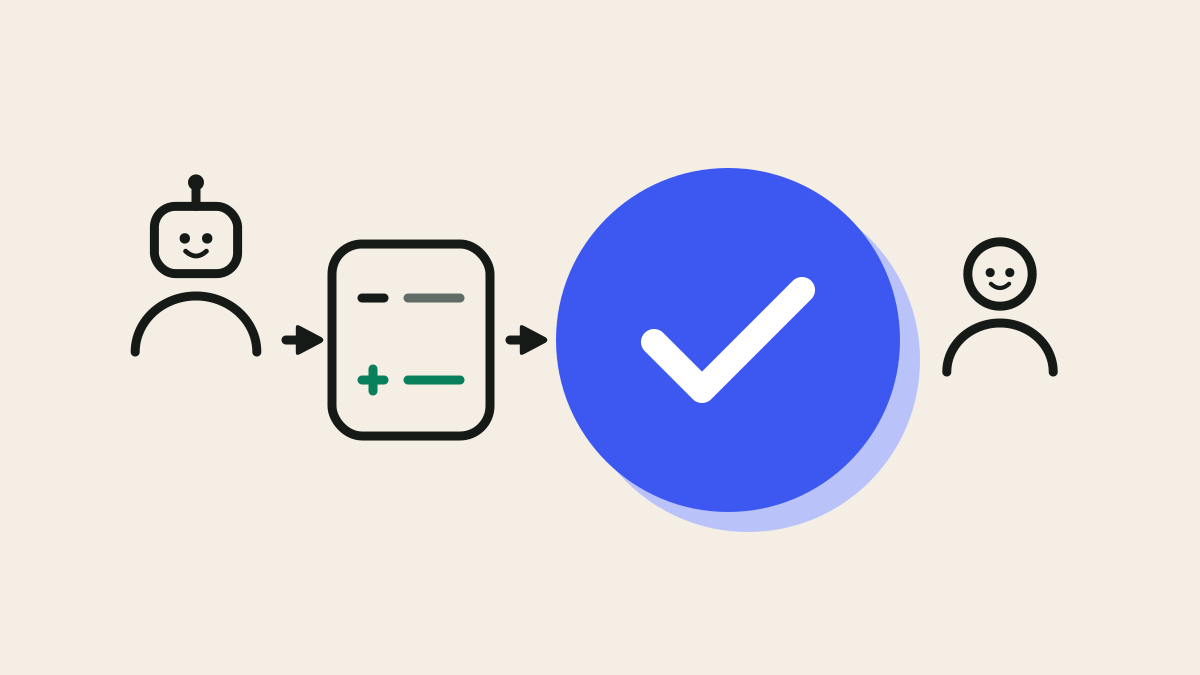
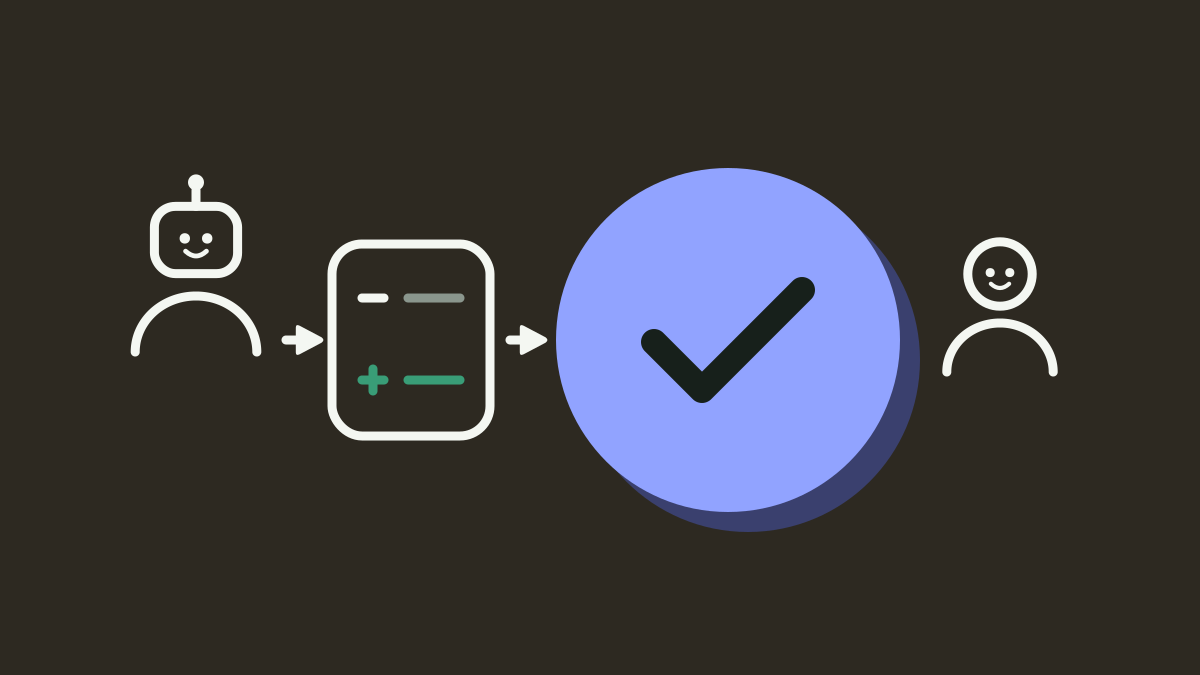
按谁来改应用来选。如果是工程师在现有数据库上做工具,选 Retool:它的 AI 不会越出你已经授予的访问权限,审计日志从 Business 套餐开始提供;但在 Free 和 Team 套餐上,它的 All Users 组可以编辑每一个应用,而要让每次改动都走拉取请求评审,需要最高套餐。如果是业务团队生成整个应用,选 Lovable:它把应用做出来并负责托管,它的 Git 同步在每个套餐上都能接入拉取请求评审,最高套餐还能把公开应用压住,等管理员或所有者批准。但数据访问规则是它的 AI 写的,而且这些规则约束不了应用的特权服务器账号。无论选哪个,都得有人为 AI 做出的东西负责。
下文每一条关于 Retool 和 Lovable 的说法,都引自该厂商的公开文档或定价页,阅读日期为 2026 年 11 月 17 日。ObjectStack 的结果实测于 ObjectStack 18.6.0,即今天新安装得到的版本。来源和完整记录见证据。
这场比较
如果你搜到了这个比较,多半已经接受了一件事:应用会由 AI 来做。悬而未决的是做完之后怎么办。IT 负责人会收到三类请求,通常按这个顺序来:业务负责人要改一个地方;审计员问上一次改动是谁批准的;有人问应用在某一天对某条记录做了什么。所以有用的比较不在于哪个工具做得快,而在于这三类请求在每个工具里由谁、在哪里回答。
Retool 的文档描述的是这样一个应用构建器:“the primary development experience of apps is by prompting an AI agent with natural language”(构建应用的主要方式是用自然语言向 AI Agent 下指令),连接的是你公司已经接入 Retool 的数据库和服务。本文讲的是这个 AI 应用构建器(Retool 称之为 Apps),不是它的经典拖拽式应用。Lovable 的文档描述的是一个把整个应用(界面、服务器和数据库)都生成出来、默认还负责托管的工具。我们之前分别写过Retool 那篇和Lovable 那篇,更多平台的对比见对比页。
七个
每一格写的都是该厂商自己的文档或定价页怎么说。粗体标签标出厂商对某项功能限定的套餐。有三个词会反复出现:拉取请求(pull request)是放在你的代码仓库(例如 GitHub)里的一份改动提议,有人批准后才生效;Git 同步是 Lovable 把应用代码双向同步到你的代码仓库的功能;MCP 是 AI 助手连接其他软件所用的协议。
| 你会被问到的问题 | Retool | Lovable |
|---|---|---|
| 谁能改应用? | 构建者(builder),他们也能发布;以及“internal users”(内部用户,即使用应用的员工),他们能创建应用但不能发布。Free、Team:固定分组,All Users 组可编辑每个应用。 | 编辑者及以上角色。工作区成员“can see, edit, and publish the workspace’s projects”(可以查看、编辑和发布工作区的项目)。Business、Enterprise:项目可限定为仅受邀者可见。 |
| 改动在用户看到之前怎么评审? | 改动留在一份独立的工作副本中,有自己的预览。AI 在运行任何写数据的操作之前会先询问。 | 草稿会先显示“a one-line summary of what the draft changes”(一句话概括草稿改了什么)和具体改动,再由人接受。所有套餐:Git 同步可以加上拉取请求评审。 |
| 谁来批准? | 由构建者发布;内部用户做的应用需要构建者来发布。Enterprise:对纳入源代码管理的应用,合并拉取请求即发布,评审者可看到应用预览。 | 默认“editors and above can publish”(编辑者及以上可以发布)。Enterprise:策略可要求管理员或所有者批准公开应用、使用连接器的应用,或外部协作者的发布。 |
| 运行中的应用执行什么权限? | 用户需要有某个数据源的访问权限才能对它运行查询。Business、Enterprise:按组控制。在开启了强制执行的 PostgreSQL 资源上,策略作用于每一条查询,“including … agents”(包括 Agent 发出的)。 | 由它的 AI 编写的数据库规则;你能查看,修改要通过对话。它们不约束应用的特权服务器账号。每次发布都会运行的扫描会“checks database access rules”(检查数据库访问规则)。 |
| 审计日志记录什么? | Business、Enterprise:每一次查询运行和用户在 Retool 中的操作,经 MCP 接入的客户端会被标记。Retool 云上保留一年。Enterprise:可推送到 Datadog 或 Splunk。 | Enterprise:工作区活动,包括成员、项目、提示词和发布。保留 13 周;可定期导出到你的安全监控系统。 |
| 数据和定义放在哪里? | 应用使用你已接入的数据库和服务;应用本身存放在 Retool 中。Enterprise 套餐卡片:“Retool Cloud, self-hosted, or air-gapped”(Retool 云、自托管或物理隔离,即不接入互联网的网络)。 | 代码默认放在“Lovable’s managed infrastructure”(Lovable 托管的基础设施)里;Git 同步(所有套餐)可以在你的仓库里保留一份副本。数据库:用 Lovable 的,或你自己接入的,例如 Supabase。 |
| 它的边界在哪里,怎么离开? | 在 Retool 之外运行导出的 AI 构建器应用,被列为尚不支持(经典应用可能不同)。Enterprise:纳入源代码管理的应用,其源代码放在你的仓库里。 | 文档称“you are never locked in”(你永远不会被锁定);代码和数据都能导出。接受草稿“can change your live app’s backend immediately”(可能立即改动线上应用的后端)。后端日志(不同于审计日志)“do not prove who made a particular database change”(不能证明某次数据库改动是谁做的)。 |
这张表说明了三件事:
- 批准发生在不同的环节。 在 Retool 里是发布,或者在 Enterprise 上是合并拉取请求。在 Lovable 里是先接受草稿再发布,在 Enterprise 上,策略点名的那几类发布还要管理员或所有者批准。两者的差别在于批准人看到的是什么。
- 两份审计日志回答的是不同的问题。 Retool 的日志记录用户在 Retool 中的操作,“such as query runs and password resets”(例如运行查询和重置密码)。Lovable 的日志记录工作区活动,它列出的事件包括“Prompt sent”(发送提示词)、“Project published externally”(项目对外发布)和“Database query executed”(执行数据库查询)。先写下审计员会问的问题,再看哪份日志能回答。
- 这些管控要更高的套餐。 Retool 的定价页把丰富的权限控制和审计日志列在 Business 起,Git 源代码管理只在 Enterprise;Lovable 的文档把审计日志和发布审批标为仅 Enterprise。
什么时候选 Retool 更合适
如果应用是基于你现有系统的内部工具,做应用的人是工程师或技术人员,就选 Retool。对 IT 负责人来说,它最有力的一点是 AI 的触及范围永远不会超过构建者本人:它的安全页面写着“the LLM cannot read or write any resource data the user is not already authorized to access”(LLM 不能读写用户本来就无权访问的任何资源数据),而且 AI 在运行任何写入、插入、更新或删除数据的操作之前,都会先问构建者。它的审计日志记录应用用户运行的每一次查询,包括具体查询语句和参数,并标记经 Retool 的 MCP 服务器接入的 AI 助手所做的操作。如果审计员问某个用户在内部工具里做了什么,这份日志能直接回答。需要知道的限制是:用它的 AI 应用构建器做出的应用,在 Retool 之外运行被列为尚不支持。如果需要按组授权和审计日志,按 Business 做预算;如果每次改动都必须在你自己的仓库里走拉取请求,按 Enterprise 做预算。
什么时候选 Lovable 更合适
如果业务团队需要自己把一个想法变成能用的应用,而应用可以跑在 Lovable 替你运营的服务器和数据库上,就选 Lovable。它一次性做出界面、服务器和数据库,负责托管,并让人先在草稿里试改动、再决定是否接受。它的 Git 同步在每个套餐上都可用,所以你的开发人员可以让它的改动走他们已经在用的拉取请求评审;发布应用仍是单独的一步。Lovable 从 Business 套餐起提供单点登录,而 Retool 把它列在仅 Enterprise。如果你希望应用在公开、使用连接器或由外部协作者发布之前,先由管理员或所有者批准,按 Enterprise 做预算;审计日志和定期安全扫描也都在 Enterprise。它的文档对离开有一个直白的承诺:“you are never locked in. You can export your code, migrate your data, self-host parts or all of your stack, or move to another provider at any time.”(你永远不会被锁定。你可以导出代码、迁移数据、自托管部分或全部技术栈,或随时换到其他服务商。)同一页也列出了真要离开时你要接手的事,其中包括“Implementing authentication and enforcing data isolation policies”(实现身份认证并执行数据隔离策略)。
我们在 ObjectStack 上
ObjectStack 是我们做的,它走第三条路:应用的定义是一组普通文件,运行中的应用执行这些文件写下的规则。我们在 ObjectStack 18.6.0 自带的开源 CRM 示例上做了这些检查。这是一个演示应用,不是客户系统。销售代表这个角色可以读取、创建和编辑商机,但不能删除。
| 我们做了什么 | 系统怎么回答 | 这对你意味着什么 |
|---|---|---|
| 一个 AI Agent 用为销售代表账号创建的访问密钥,通过 MCP 尝试删除一条商机。 | 被拒绝两次:第一次因为调用没有带确认;带上确认后,又因为销售代表不能删除商机而被拒。 | 通过 MCP 删除必须显式带上确认,而且即便确认了,Agent 也只拥有它所用账号的权限。 |
| 一位销售代表通过应用的 API 尝试同样的删除。 | 被拒绝。 | 这条规则对人和 Agent 一视同仁。 |
| Agent 把这条商机从“prospecting”(初步接触)推进到“qualification”(资格确认),这是销售代表可以做的。 | 一行审计记录:Agent 的账号、这条商机,以及阶段改动前后的值。被拒绝的删除没有留下任何记录。 | 你能拿出证据说明 Agent 改了什么、什么时候改的。被拒绝的尝试只出现在服务器日志里。 |
| 这位销售代表请求读取审计日志。 | 被拒绝。 | 销售代表看不到谁做了什么;要读日志,得有授予该权限的角色。 |
| 一个 AI Agent 修改应用文件,让销售角色可以删除商机。 | 平台对文件的第一道检查通过了。构建停下,用一行字点出这次改动,并一直停着,直到有人运行了接受命令(在我们这次运行中,就是同一个 Agent;见下文的局限)。 | 这次改动不可能悄无声息地生效,但仍需要一个人去评审接受之后产生的那一行改动。 |
最后一项检查背后的机制,在业务应用该放在数据库里,还是放在代码仓库里?和怎样在上线前抓住 AI 悄悄改掉的权限?里有完整解释。打开一条记录如何被审计、这份记录的局限在哪里,见能证明是谁打开了一条客户记录吗——包括 AI Agent?
ObjectStack 不做
- 它不判断一次改动对不对。 平台的第一道检查对这条删除权限一言不发就放行了。构建之所以停下,只是因为这个示例应用保留了一张访问表。新应用在你开启之前没有这张表,而新项目自带的自动检查运行的是第一道检查,不是构建。
- 它不阻止 Agent 接受自己的改动。 接受只是一条命令,任何能访问这些文件的人或程序都能运行。只有当那一行改动经过你的拉取请求流程、由一个人批准时,它才成为一次评审。
- 它不把被拒绝的尝试写进审计日志。 两次被拒的删除只出现在服务器日志里,那是审计日志之外的另一个地方。
- 它分不清 Agent 和人。 审计记录写的是 Agent 的访问密钥所属的账号,记录里没有任何地方写着“AI”。给每个 Agent 一个专属账号,否则日志会把 Agent 做的事记在某个人名下。
- 它不把每一次改动都留在文件里。 运行中的环境也可以保存在管理界面里或通过 API 做的编辑,这些编辑优先于文件。哪些改动必须经过文件,是你来定的规则。
- 它比两家厂商都年轻。 ObjectStack 自己的对比页写道:“ObjectStack is younger; expect to build more of it yourself.”(ObjectStack 更年轻,要做好更多东西得自己搭的准备。)
怎么选
Retool 和 Lovable 各自适合上面描述的情形。如果为应用负责的人必须把“谁能做什么”当成一张简短的表来读,而不是当成代码来读,并且必须在每一次改动生效之前看到它,那就看看第三种选择。这正是 ObjectStack 要解决的情形,局限见上文;想在你自己的流程上试一试,可以把你的 Agent 指向 ObjectStack。
无论选哪个,都向厂商问这三个问题,并把答案留存下来:
- 当 AI 改动了谁能看到或做什么时,批准人在用户拿到之前到底看到了什么?
- 批准的人能不能是改动者以外的另一个人?
- 哪份日志能回答“这个用户或这个 Agent 对那条记录做了什么”,保留多久?
证据
下面的厂商页面在 2026-11-17 阅读;ObjectStack 的命令在 2026-11-20 运行。
$ npm view @objectstack/cli dist-tags.latest
18.6.0
厂商
上文的每一句引文都来自这里列出的页面,阅读日期为 2026 年 11 月 17 日(Retool 的“Free and Team”权限页在 04:34 UTC,其余在 04:16 至 04:18 UTC 之间)。关于套餐的说法来自厂商的定价页,或文档页面上的套餐标注。Retool 一栏描述的是它的 AI 应用构建器(“Apps”),不是经典应用。下面的引文保留英文原文,作为可核对的证据。
Retool
- Introduction to apps:“The primary development experience of apps is by prompting an AI agent with natural language in threads.” “Retool only explores and connects resources for which the user has Edit permission.” “Enterprise users can also utilize Source Control to version apps and track changes using a git-based workflow.” “Apps use resources to connect to your business data.”
- App builder:“It is available to both internal users and builders, but only builders can publish apps.”
- Permission levels:应用上的 Edit 表示“Build and modify the app. Release, rename, export, delete the app.”;Use 表示“Interact with the app as an end user. Cannot open the editor.”
- Permissions on Free and Team plans:“On Free and Team plans, Retool provides a fixed set of default groups that control what users can do with apps, workflows, agents, and resources. You cannot create custom groups or configure role-based access control on these plans.” 在这两个套餐的表格里,All Users 组对 Apps、Workflows 和 Agents 是 Edit,对 Resources 是 Own,并且“The following built-in permission groups cannot be modified or removed, and the access levels cannot be changed.” “Business and Enterprise plan users have more granular control over groups, and can create their own custom groups.”
- Publish an app:“You must be a builder to publish an app. Internal users can create apps, but they cannot publish them.” Limitations 标签页的开头是“Limitations describe functionality that isn’t yet supported in apps but may exist in classic apps.”,其中列有“Exported apps for use outside of Retool.”
- Threads and branches:“A branch is a set of changes to your app, associated with an app preview, and with its own change history. A branch is the unit of work that you publish.”
- App security:“The LLM cannot read or write any resource data the user is not already authorized to access.” “The agent always requests permission from the builder to run functions that change data in your resources, such as those that write, create, insert, update, or delete data.”
- Edit and publish protected apps:“Opening a pull request and integrating changes into the main branch of the repository creates a new published version of your app.” 发布检查清单确认“The shared preview is ready. This allows your PR reviewers to see your changes in an app preview.” Protect apps:“Each protected app is stored as its own directory in your repository at the /apps-v2 path.”
- Data:“Users need Use access to a resource in an environment to run functions against it.”
- Access policies:策略作用于“every query Retool runs against the resource, including queries from apps, the query library, raw SQL, and agents.” “Access policies apply only to PostgreSQL resources.”
- Audit logs:“Retool automatically logs user actions, such as query runs and password resets.” 详情包括“the exact query, the parameters passed”。来自 MCP 的事件带有一个标记,表示“An AI client connected to Retool’s MCP server.” 云上:“Audit logs are retained for one year.”
- Pricing,套餐对比表:
- “Rich permission controls”(“Grant data-level and role-based permissions for granular control over app and data access.”)在 Free 和 Team 上为“—”,在 Business 和 Enterprise 上为“Included”。
- “Audit logs”(“Track every query run against your databases and APIs, as well as user actions taken in Retool.”)在 Free 和 Team 上为“—”,在 Business 和 Enterprise 上为“Included”。
- “Source control”(“Use branch-based editing processes that are compatible with Git.”)和“Custom SSO”仅 Enterprise 包含。套餐卡片在 Business 上把“Git source control”和“SSO, SCIM, 2FA”列为“Not included”。
- Enterprise 卡片列有“Retool Cloud, self-hosted, or air-gapped”和“Audit logs + streaming”。
Lovable
- Lovable for Enterprise:“By default, project code lives in Lovable’s managed infrastructure.” 角色:“All paid plans. Owner, admin, editor, viewer, and external-collaborator.” “Quick scan runs on every publish and checks database access rules, dependencies, and MCP server exposure.” 工作区 SSO 标为“Business and Enterprise”。数据导出:“Enterprise only. Scheduled exports of audit logs to Splunk, Azure Log Analytics, Amazon S3, Google Cloud Storage, or Azure Blob Storage.” 定期 Deep 扫描、发布审批和审计日志标为“Enterprise only”。
- Collaboration:“By default, editors and above can publish projects on all plans.” 在项目权限表里,“Edit project”对 Viewer 是“No”,对 Editor、Admin 和 Owner 是“Yes”。工作区成员“can see, edit, and publish the workspace’s projects (unless a project’s access is restricted)”。“A draft’s edits reach the project only when someone accepts it.”
- Drafts:“Lovable shows you a one-line summary of what the draft changes, followed by the draft’s edits.” “Accepting can change your live app’s backend immediately, before you publish.”
- Workspace policies:这些策略限制“with unresolved sensitive data findings”的发布、“by external collaborators”的发布、“that makes an app public”的发布、“apps that use connectors”的发布,以及启用“Lovable backend services”。“When no policy applies, Lovable publishes the app or enables the backend without a review.” “You cannot write your own conditions, choose different approvers, or send requests to specific people.”
- Git sync:与 github.com、GitLab.com 和 Bitbucket Cloud 双向同步,均标为“(all plans)”。“If your team requires a pull or merge request for every change to
main, switch Lovable to a feature branch of its own and merge its work through the same review process.” “Lovable edits and syncs one branch at a time.” - Control who can access your app’s data:“Lovable sets up these rules automatically when it builds features that store user data.” “The policies view is read-only. To change a policy, ask Lovable in the project chat.” “Your policies do not apply to
service_role, so server code that usesservice_rolemust check permissions itself.” - Built-in backend:“Lovable hosts your app and includes a built-in backend with database, authentication, storage, edge functions, and AI.” 内置后端是相对于“as opposed to an external backend you connect yourself, such as Supabase”而言的。
- Audit logs:“Available on: Enterprise plans”。示例事件包括“Prompt sent”和“Database query executed”。“Logs are retained for 13 weeks, or approximately 90 days.”
- Logs,即后端诊断日志。FAQ 问题:“Can I use these logs as audit evidence?” 回答:“Not on their own. Logs help you diagnose problems, but they do not prove who made a particular database change.”
- Deployment, hosting, and ownership options:“Lovable is intentionally built so that you are never locked in. You can export your code, migrate your data, self-host parts or all of your stack, or move to another provider at any time.” 如果停用 Lovable,你要负责的事情之一是“Implementing authentication and enforcing data isolation policies”。
ObjectStack 文档,18.6.0 发布标签处(commit 958ee03):“ObjectStack is younger; expect to build more of it yourself.” 以及 “Reads walk top-to-bottom: the first non-null layer wins. Writes always route to the topmost writable layer (the overlay).”,其中覆盖层(overlay)保存运行环境中的编辑,位于文件之上。
应用
ObjectStack 仓库中标签 @objectstack/[email protected] 处的 examples/app-crm,依赖固定为已发布的 18.6.0 包。它的安全文件把 crm_sales_user 权限集授予 crm_sales_rep 岗位,该权限集可以读取、创建和编辑 crm_opportunity(商机),但不能删除。这个应用开启了访问矩阵检查:objectstack.config.ts 旁边放着一份 access-matrix.json。
$ npx os --version
@objectstack/cli/18.6.0 linux-x64 node-v22.22.0
1. AI 的
改动位于 src/security/sales-positions.ts 第 50 行:
-    crm_opportunity: { allowRead: true, allowCreate: true, allowEdit: true, allowDelete: false },
+    crm_opportunity: { allowRead: true, allowCreate: true, allowEdit: true, allowDelete: true },
npx os validate 输出 ✓ Validation passed 和四条无关的字段警告,退出码 0。npx os compile 运行同样的 71 条编写期规则,然后:
  → Checking access-matrix snapshot (ADR-0090 D6)...
  ✗ Access matrix drift (1 change) — capability changes must be reviewed
  • 'crm_sales_user' gains delete on 'crm_opportunity'
  If intended, re-run with --update-access-matrix and commit the snapshot — its diff IS the review artifact.
compile exit 1
接受它,即运行 npx os compile --update-access-matrix,退出码 0,输出 Access matrix snapshot written to access-matrix.json (ADR-0090 D6) — review the diff. 快照的 diff:
@@ -51,7 +51,7 @@
       "create": true,
       "read": true,
       "edit": true,
-      "delete": false,
+      "delete": true,
       "viewAllRecords": false,
       "modifyAllRecords": false,
       "sharingModel": "public_read_write"
随后撤销了这次改动,所以下面运行的应用用的是原来的权限集。
2. 被拒绝的
应用用 npx os dev --compile --no-watch 启动。启动时输出 Tenancy: single 和 Seeds: com.example.crm 28 rows。通过管理 API 创建了两个账号 [email protected] 和 [email protected],各自被授予 crm_sales_rep 岗位。两者登录后的岗位均为 org_member、crm_sales_rep 和 everyone。agent-svc 生成了一个 API 密钥,也就是 AI Agent 连接时使用的身份。
销售代表,通过 REST API:
$ curl -X DELETE -b rep.cookies http://localhost:49890/api/v1/data/crm_opportunity/DQ_aJg8_eTxq6Upb
{"error":"You do not have permission to perform this action. Contact your administrator if you need access.","code":"PERMISSION_DENIED","object":"crm_opportunity"}
HTTP 403
Agent 用它的密钥通过 MCP 调用:tools/call delete_record { objectName: "crm_opportunity", recordId: "DQ_aJg8_eTxq6Upb" },第一次的回答是:
{ "error": { "code": "ACTION_CONFIRMATION_REQUIRED",
  "message": "delete_record on 'crm_opportunity' record 'DQ_aJg8_eTxq6Upb' carries no confirmation — nothing was deleted. Deleting is destructive even where the recycle bin keeps the record. When the human's request named exactly this one record, that request is the approval: retry this call with 'confirm': true on the request. When the name matched more than one record, or the request is a bulk delete, ask the human first, then retry.",
  "status": 428 } }
带上 "confirm": true 重试后:
{ "error": { "code": "PERMISSION_DENIED",
  "message": "You do not have permission to perform this action. Contact your administrator if you need access.",
  "status": 403 } }
两次拒绝对应的服务器日志:
WARN [Security] Access denied: operation 'delete' on object 'crm_opportunity' is not permitted for positions [org_member, crm_sales_rep, everyone] {"userId":"cD26sPqk1jy4CDl8e1J9QbiqjGBuoJ1U", …}
WARN [Security] Access denied: operation 'delete' on object 'crm_opportunity' is not permitted for positions [org_member, crm_sales_rep, everyone] {"userId":"DgXiKK9ylkNiTWymVL2FEpBScCRNDZpe", …}
3. Agent 的
通过 MCP 调用 update_record { objectName: "crm_opportunity", recordId: "DQ_aJg8_eTxq6Upb", data: { stage: "qualification" } },返回的记录带有 "stage": "qualification" 和 "updated_by": "DgXiKK9ylkNiTWymVL2FEpBScCRNDZpe",即 Agent 的账号。管理员随后按 crm_opportunity 查询审计日志,返回 "total": 1,就是这一行:
{
  "created_at": "2026-11-20T02:35:32.022Z",
  "action": "update",
  "user_id": "DgXiKK9ylkNiTWymVL2FEpBScCRNDZpe",
  "actor": "DgXiKK9ylkNiTWymVL2FEpBScCRNDZpe",
  "object_name": "crm_opportunity",
  "record_id": "DQ_aJg8_eTxq6Upb",
  "old_value": "{\"stage\":\"prospecting\"}",
  "new_value": "{\"stage\":\"qualification\"}",
  "ip_address": null,
  "user_agent": null,
  "tenant_id": "org_mwod7busb94gl9il",
  "metadata": null
}
两次被拒的删除都没有对应的记录。用销售代表的会话发送同样的查询,回答是 HTTP 403。
4. 新项目
npm create objectstack@latest 今天运行的 [email protected] 包,其模板里没有 access-matrix.json,模板的 CI 工作流运行的是 pnpm validate,而不是构建。在新项目里第一次运行 os compile --update-access-matrix,就是开启这项检查。